-

Faceware Analyzer
Faceware Analyzer is Faceware’s standalone facial tracking software. Analyzer converts video of facial performances into proprietary motion data... -
Faceware Studio
Faceware Studio is our new platform for creating high-quality facial animation. We’ve re-envisioned our software and workflows to... -

Faceware Retargeter
Faceware Retargeter is Faceware’s animation and solving plug-in to common Autodesk animation products such as Maya, 3DS Max,... -
Faceware Shepherd
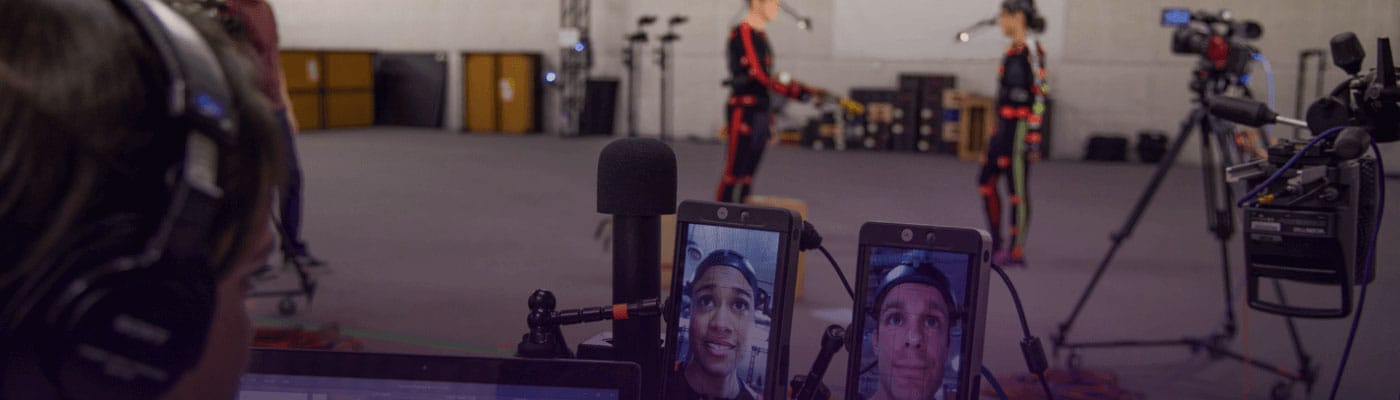
Faceware Shepherd combines all the integral features a face capture operator needs in one innovative and thoughtful app.... -

Faceware iClone
Reallusion’s partnership with Faceware enables iClone 7 to achieve real-time facial motion capture and recording. This will empower... -

Faceware Indie Headcam System
The Faceware Indie Headcam system is designed for point-and-shoot simplicity. They built the system around the legendary GoPro... -
Faceware Mark IV Wireless Headcam System
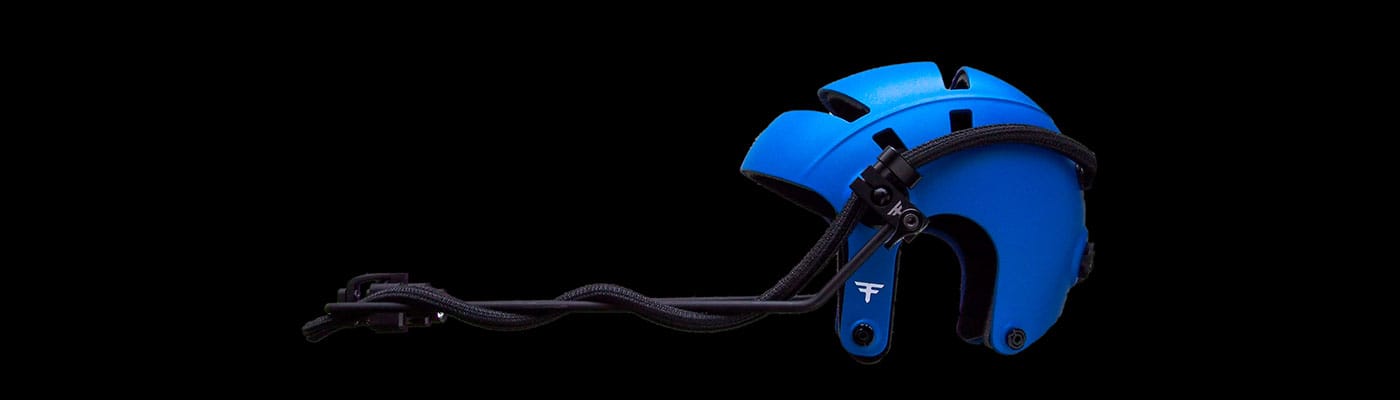
Faceware Mark IV Wireless Headcam, built from years of on-set practical experience and an intelligent approach to engineering.
What is Faceware Shepherd?
Faceware Shepherd combines all the integral features a face capture operator needs in one innovative and thoughtful app. Sync your entire performance capture workflow with timecode support and additional functionality to lync your Xsens, Optitrack or other systems to trigger your facial systems.
Key Features of Faceware Shepherd
Mark IV Headcam operator software for AJA KiPro devices
Simplicity on-set for more performance focused management
One streamlined operator-friendly interface for all performers
Full timecode support with triggers supported from Xsens, Optitrack or other Systems
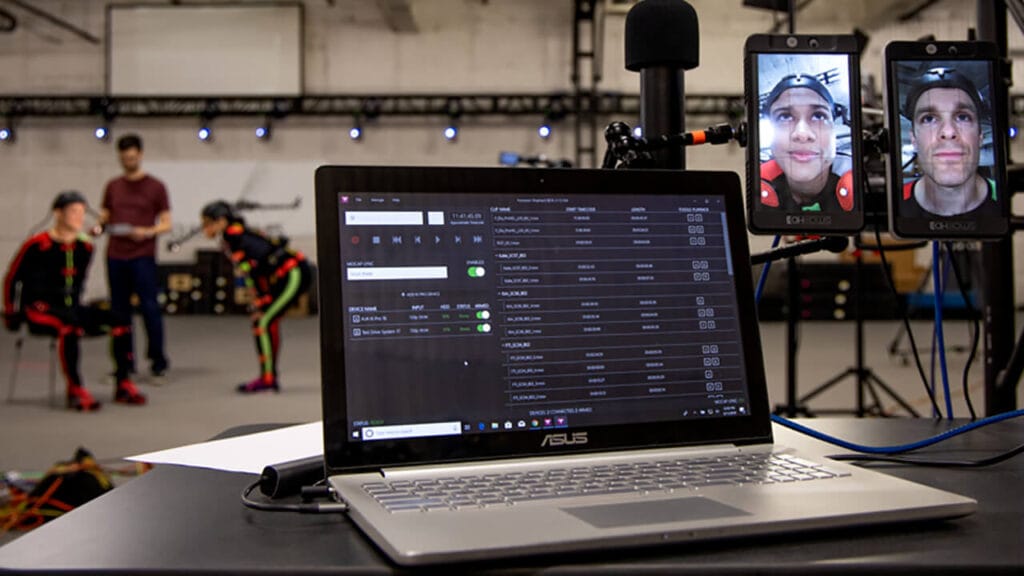
Streamlined operator interface
Shepherd combines all the integral features a face capture operator needs in one innovative and thoughtful app. Giving you more time to focus on the things that really matter – like camera framing, talent performance and capture accuracy. With less to micromanage, Shepherd gives you the freedom to work faster and more effectively.
Body mocap integrations
Integrating with the industry’s leading Mocap Systems, Shepherd allows your body and face capture systems to be combined into one streamlined system. Now you can simultaneously trigger face capture with body capture, and ensure the continuity of capture names. Shepherd creates a more unified, succinct and automated motion capture process.
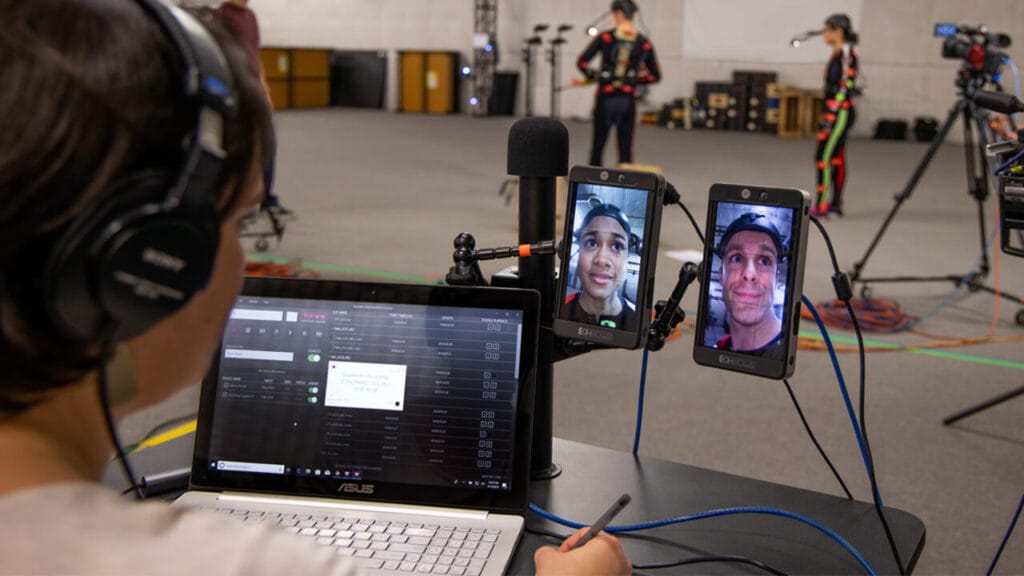
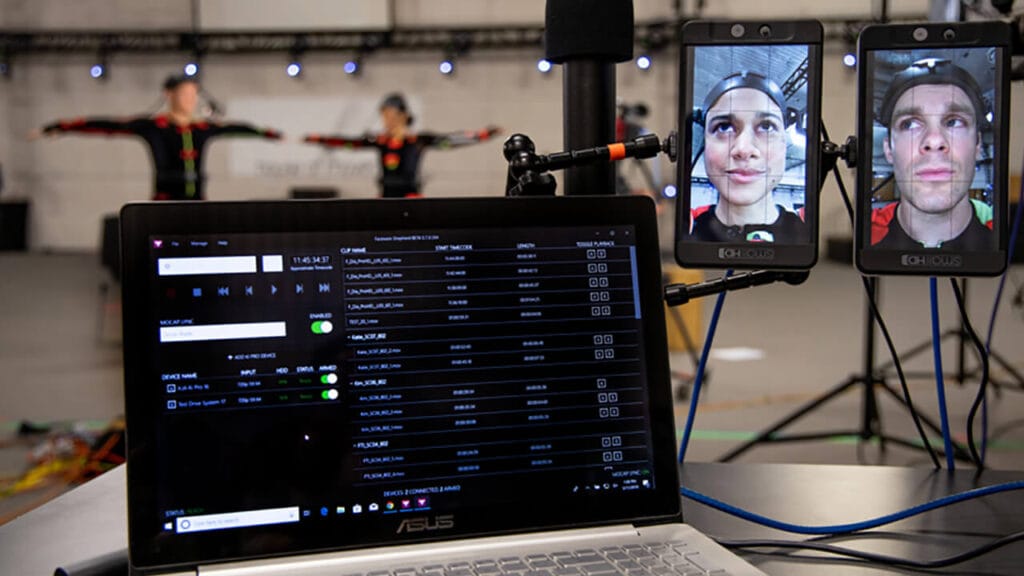
Capture multiple face systems with ease
An unlimited number of face recording devices can be added to Shepherd (including your witness cameras), giving you one modern interface to control recording, playback, see device info and health, timecode input, and view clips across all of your devices. Save both time and money while Shepherd works hard, and you work smart.
Media transfer and producer tools
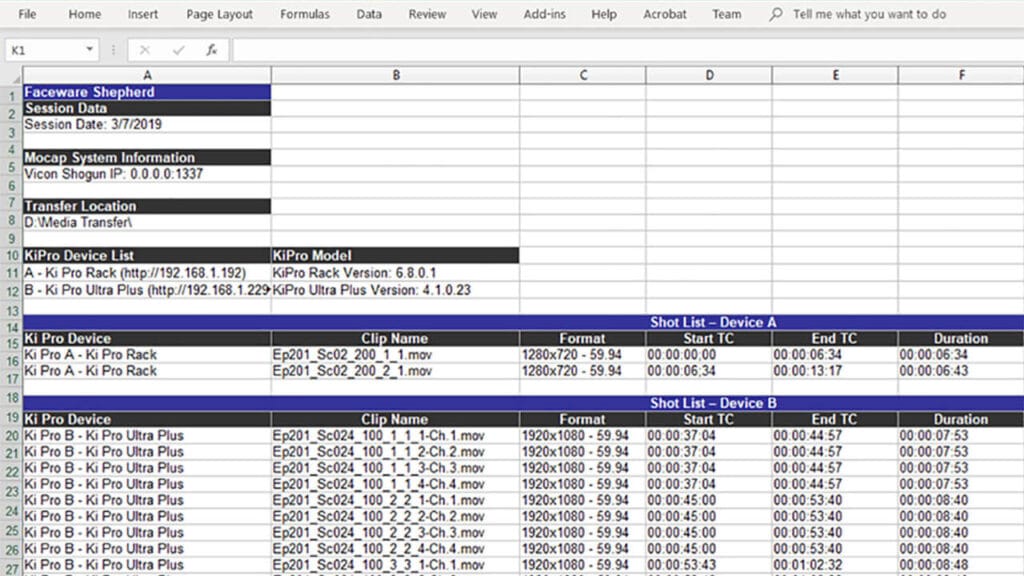
With Shepherd, there’s no need to pull the hard drive from your digital recording device or access the built-in AJA web interface to transfer recorded clips. With a couple of clicks, you can transfer a single clip, multiple clips, or all the clips across all of your devices remotely. You can even create a handy document detailing clip information that can be used for review, editorial, or to support an existing Faceware Batch Pipeline.
Distinguishing Features of Shepherd
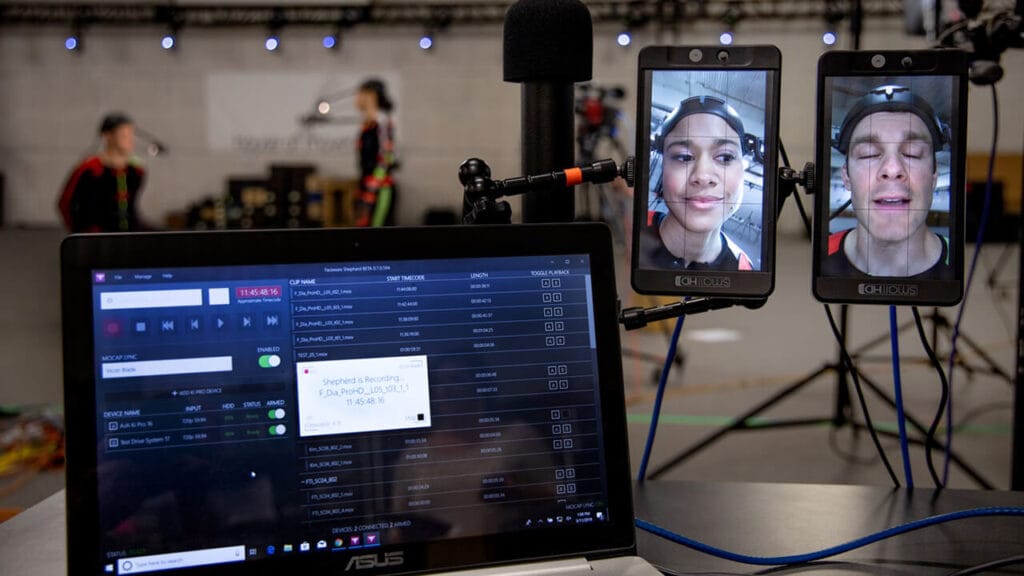
Mocap System Lync
Shepherd’s Mocap System Lync puts your body mocap system in control of Shepherd’s face capture system. Lync unifies your Vicon, Xsens or Optitrack System with your Faceware Headcams enabling unprecedented control of your mocap shoot. This is the mocap feature you didn’t know you were waiting for.
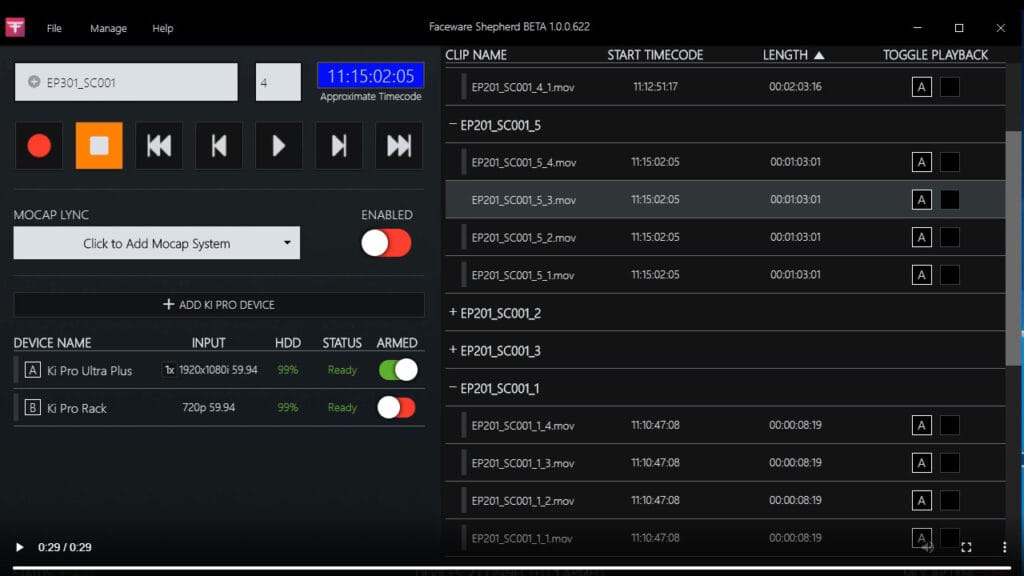
Smart Functionality
By combining the various functions associated with facial motion capture and centralizing them into a single application, Shepherd integrates the data and options you need most in one program.
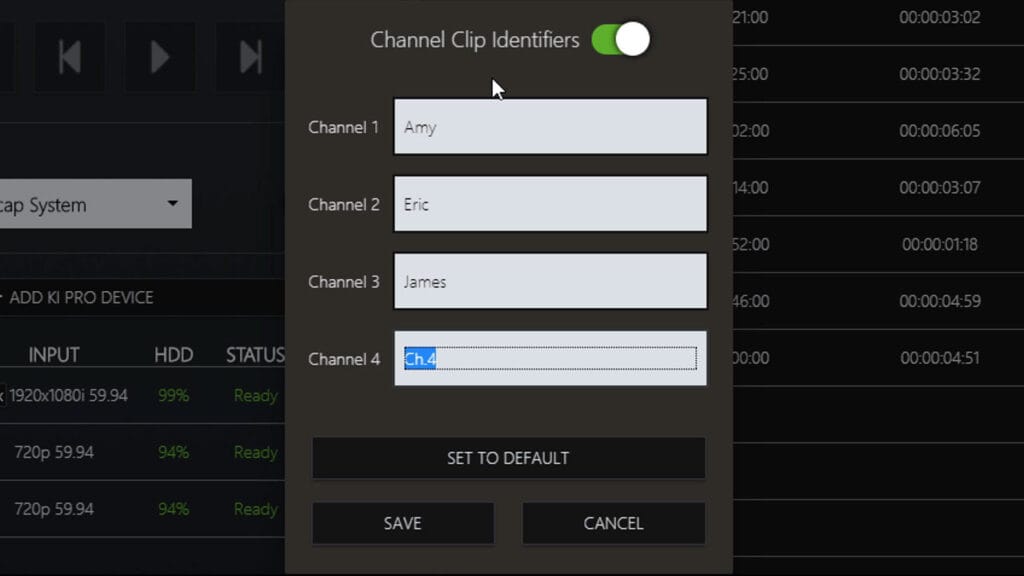
Custom Channel Identifier
Exclusive for the Ki Pro Ultra Plus, Shepherd now offers Custom Channel Identifiers for all your multi-channel recording needs. Meant for teams who utilize Ki Pro Ultra Plus multi-channel settings, Channel Identifiers allows you to append your own unique attribute schema to any series of takes for easier identification and customization.
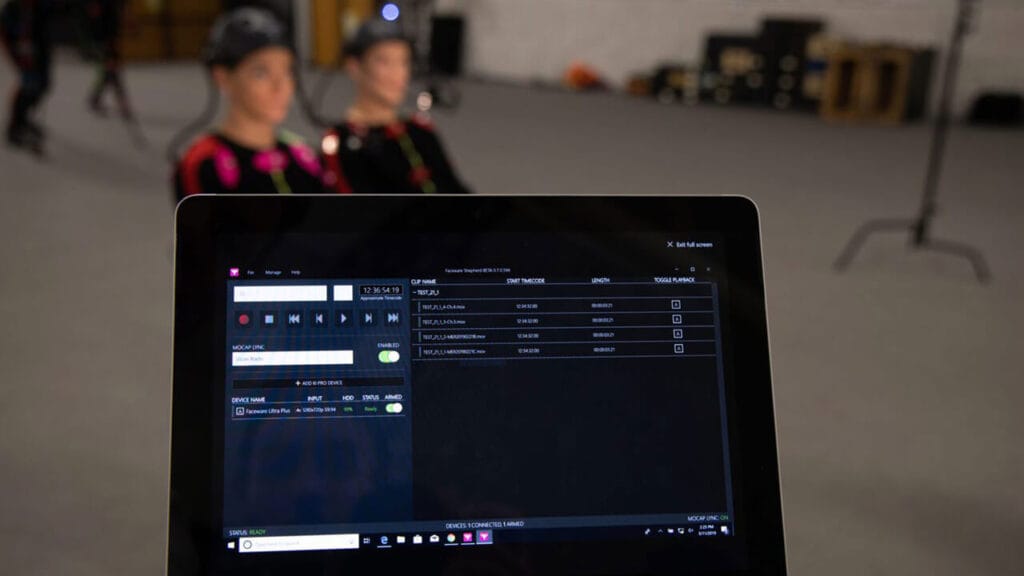
Tablet Integration
Shepherd runs on Windows 10 devices, including tablets. Now you have the flexibility to control your face capture shoot literally in the palm of your hands. Untether yourself from your workstation and take charge on your own terms.