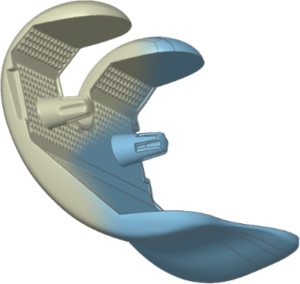
What is Mesh2Surface?
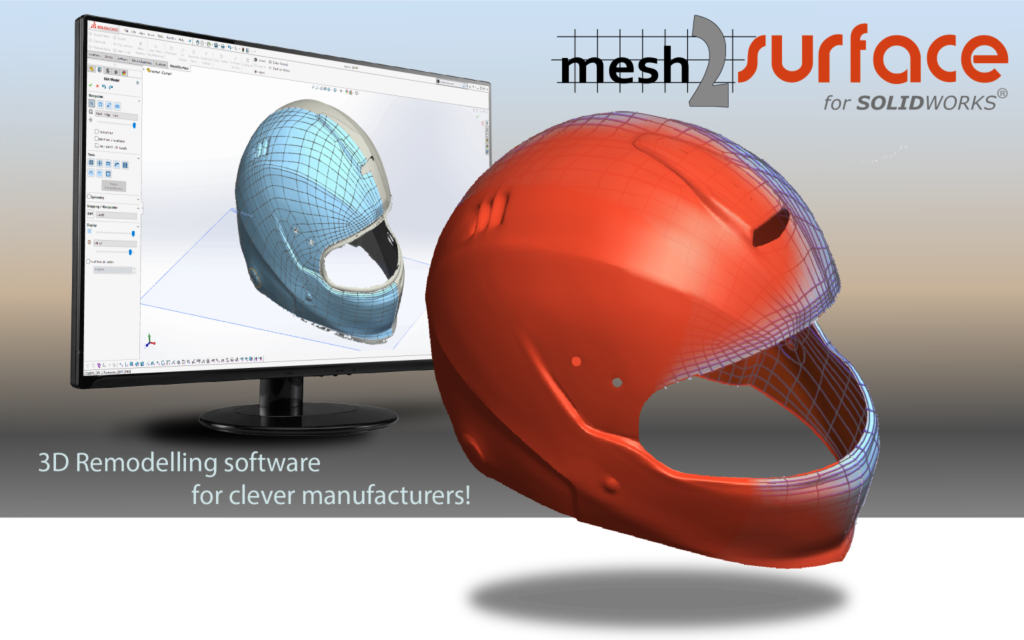
Mesh2Surface provides the core features and functions required to create CAD data from meshed scan data from right inside your existing CAD software. Mesh2Surface is available for SOLIDWORKS or Rhinoceros.
Introduction to 3D Reverse engineering
3D Reverse engineering is an entire process of digitising a physical object with a non-contact or contact scanner, capturing all the features of the object so it is represented in a computer. Unfortunately, the CAD packages do not understand such data. They need to be converted into what is called CAD or NURBS object. This process of converting a noisy data into perfect objects is called ‘3d reverse engineering’
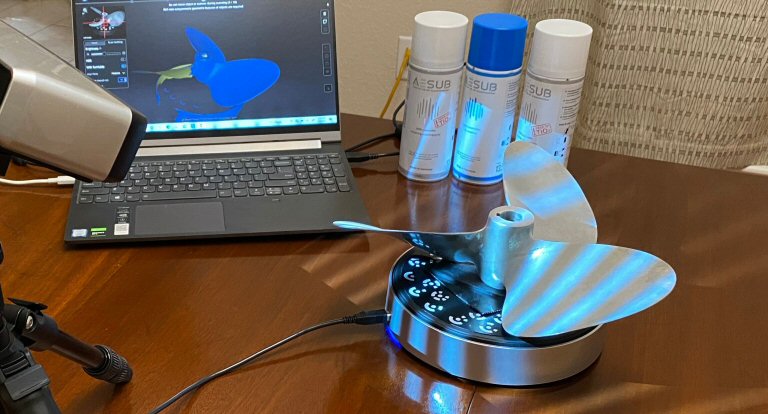
Scanning the physical object
Use any existing 3D scanner which can generate good quality STL meshes
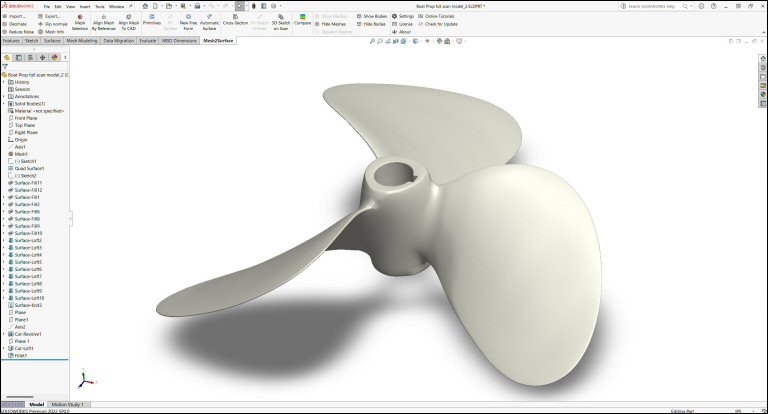
Import scan data into your CAD package
Use Mesh2Surface to import STL, PLY or PTX file of any size into your CAD software. Build CAD surface from your reference data
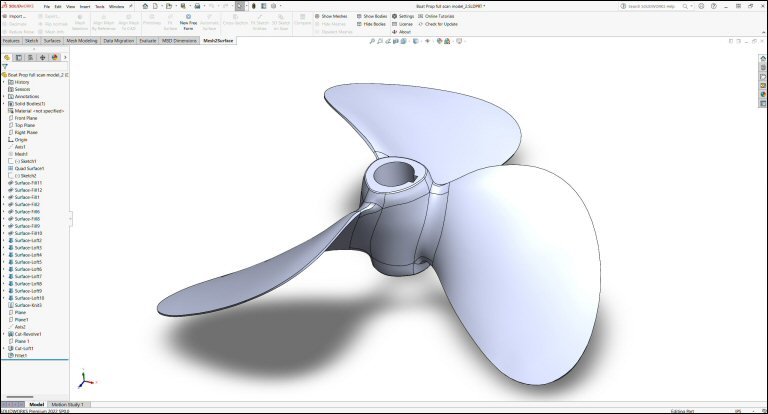
Use your ready CAD model
The resulting CAD models can be used further in your processes like machining or simulations
Why Mesh2Surface?
We created Mesh2Surface because most CAD software is still not very good at handling 3D scans, but some users prefer to stay within their CAD environment.
We are highly selective in how we specify Mesh2Surface and only implement features that simplify, streamline and increase accuracy of the CAD creation process for the common use-cases. We want to keep usability high and your cost low.
- Prepare models for manufacturing
- Speed up your time for manufacturing
- Reduce costs for design
- Edit and repair CAD data for broken tools and molds
- Increase design capabilities
- Use existing assets to reverse engineer new parts
- Design bespoke products
- Export remodelled data for 3D printing
- Transform physical parts into CAD for new designs
- Create new parts to fit with existing parts
- Simplify models for simulation
How it works
- Once you have scanned your object and exported it as STL, OBJ or PLY mesh or PTX point cloud you can import your mesh in SOLIDWORKS or Rhinoceros.
- Use MESH2SURFACE’s simple and powerful tools to create 2D sketches, extruded 3D sketches and revolved surfaces, free form curves, surfaces.
- Keep control over your work with accurate deviation control at any time. MESH2SURFACE can create complex hybrid 3D models.
- Remodel your object with the best accuracy and design intent.
POWERFUL
MESH2SURFACE can extract geometric features with best fit algorithms, draw 3D sketches directly on the reference mesh and build surfaces. MESH2SURFACE can create complex Hybrid 3D models for both organic and prismatic shapes. The parametric behaviour and real-time deviation analyser give you the flexibility and control that are usually only available in higher-end packages.
SIMPLE
Equipped with easy-to-use tools for extracting features from your 3D scan and intuitive and fast user interface, MESH2SURFACE speeds up your time for manufacturing and saves money. With deviation control at every step, it helps the user deliver results in the most effective way. When the accuracy of your reverse engineered parts is key, our products have you covered.
AFFORDABLE
MESH2SURFACE is the most cost-effective reverse engineering solution available, that ensures users get the best results at an affordable price. At a much lower cost than what you would normally pay for other high-end reverse engineering solutions, MESH2SURFACE does not compromise in quality, speed and time for delivering professional end results.
PROVEN
Join our satisfied customers from automotive, aerospace, medical, jewellery, shoes, lighting, additive manufacturing, and many other industries and discover the benefits of using MESH2SURFACE in an effective and intuitive way. These companies have already discovered the benefits of using the MESH2SURFACE software.
Scan To CAD add-in products